

Pinco app and mobile play
Home / Pinco app and mobile play
The same Pinco account opens in a mobile browser on iOS and Android. When the lobby offers an Android package, download it only from the logged-in cashier — not from a random search result named Pinco.
- Add the site to the home screen for a one-tap icon.
- Face unlock on the phone does not replace the account password or approve withdrawals.
- Prefer a private connection when you upload KYC documents.
Browser play keeps one balance across phone and desktop. If the lobby offers an installable Android package, take it only from the signed-in account screen. Bookmark or home-screen shortcuts are enough for most players.
Mobile safety
Keep the OS and browser updated. Disable third-party keyboards when typing the cashier password. If a push notification asks you to “confirm withdrawal” outside the logged-in site, treat it as phishing and open the lobby manually from your bookmark.
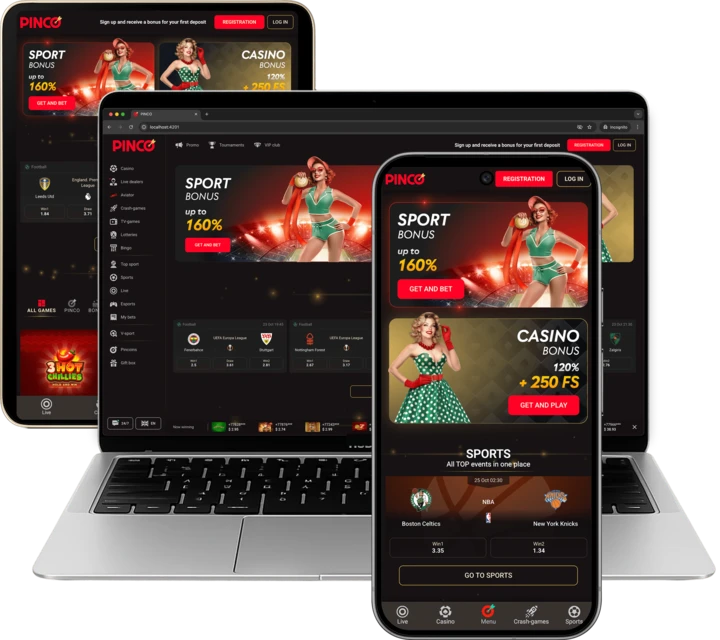
Prefer the signed-in cashier download or browser play with a home-screen shortcut. Third-party “Pinco APK” search results are a common malware path. After install, confirm that deposits land in the same account you already verified.